BALENCIAGA IS CURRENTLY DOWNBALENCIAGA IS CURRENTLY DOWN AND WE ARE WORKING ON BRINGING IT BACK UP AS SOON AS POSSIBLE


luxury websites
001
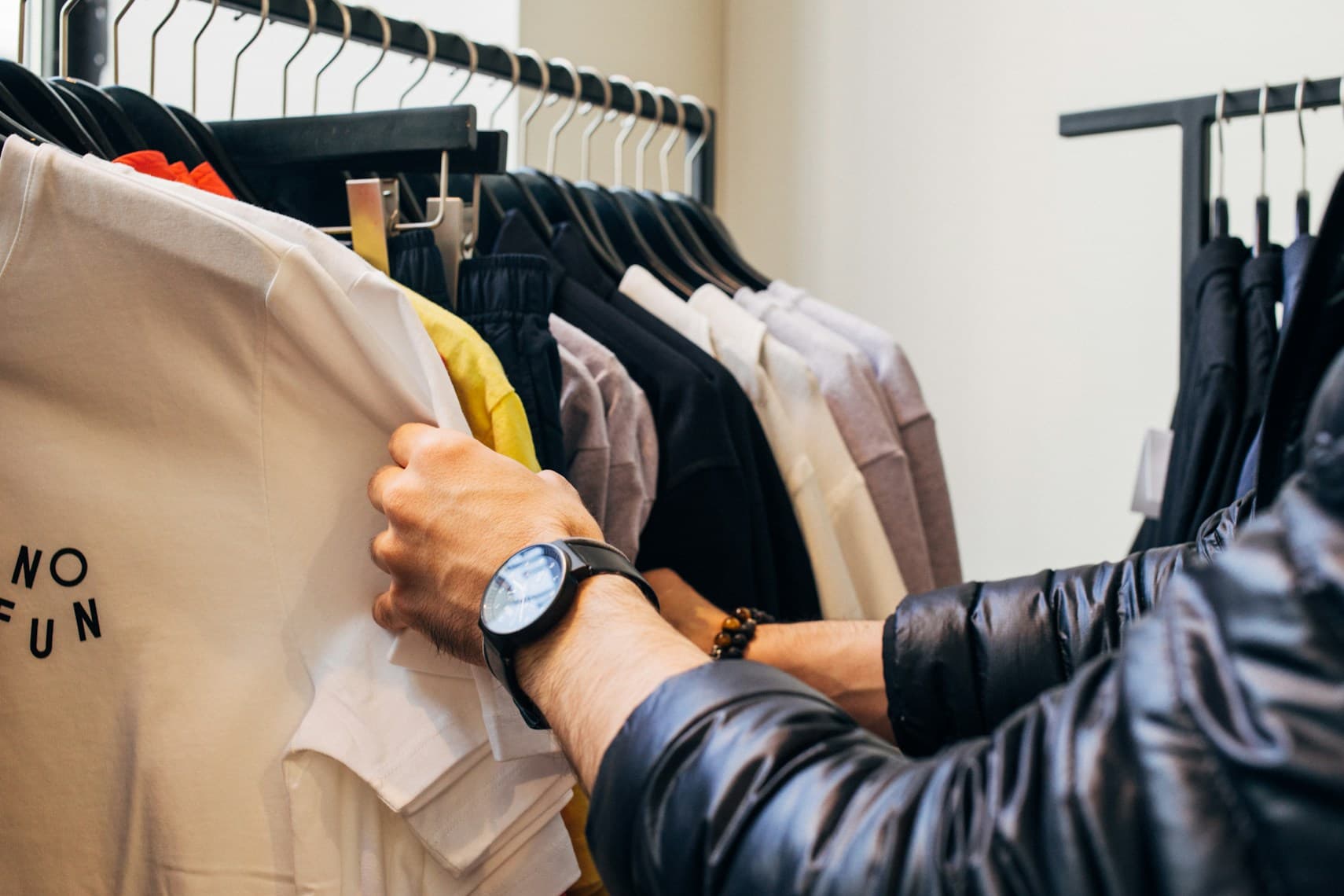
When an item is in view, the Shopaxa icon will glow blue—indicating it can be saved. Tap the icon to open the extension and see the item ready to save.
your profile
002

Click the save icon on any item in the extension. It's automatically saved to your profile and will appear in the “Saved Luxury Items” section on your Shopaxa dashboard.
request a quote
003
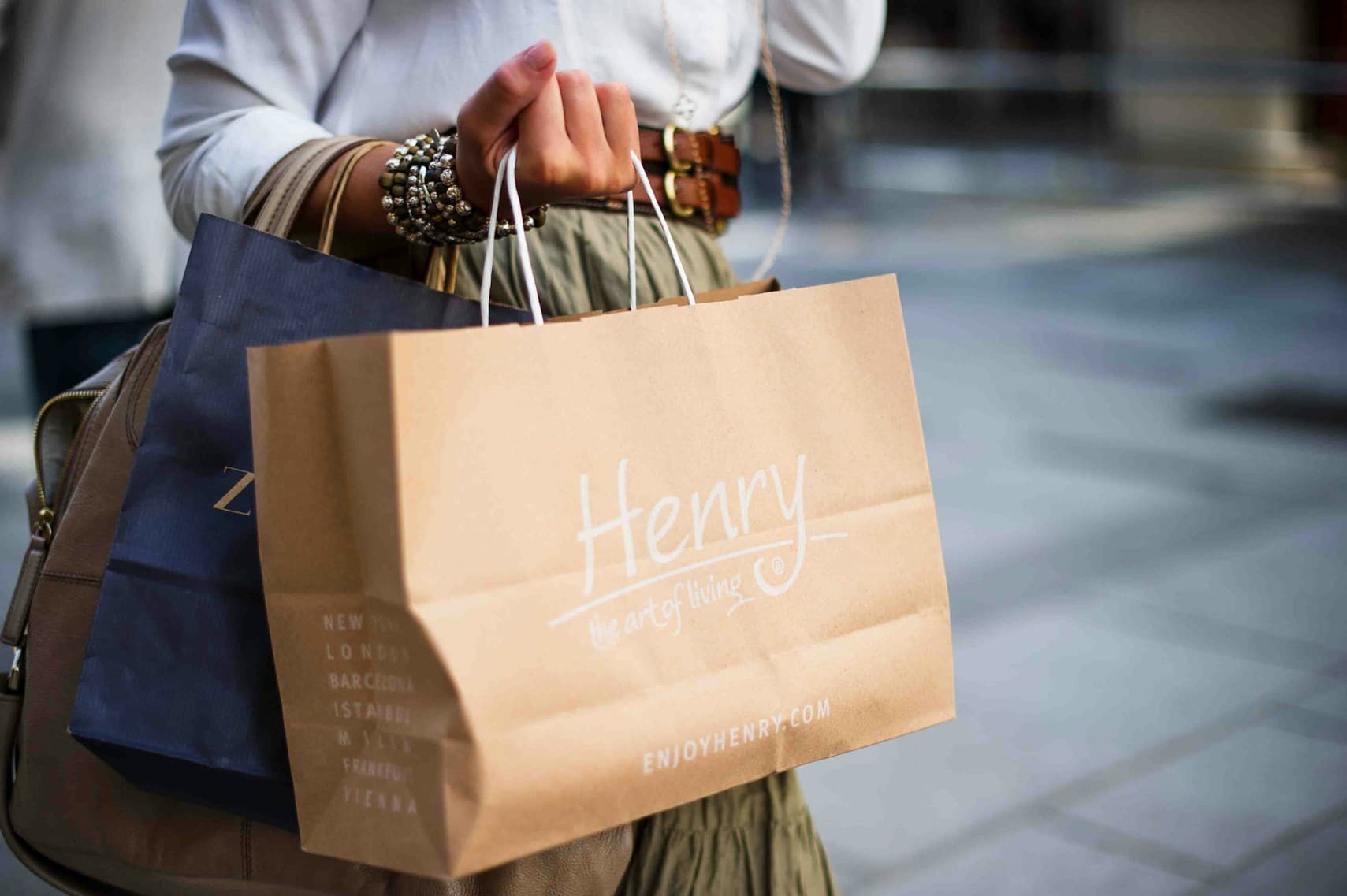
Go to your dashboard, select the saved items you want, and submit a quote request. A personal shopper will be assigned to source and purchase the items for you.
procured for you
004
Your assigned personal shopper buys the items from anywhere in the world and arranges shipping to you. You can track your order directly from your dashboard.
luxury websites
001
When an item is in view, the Shopaxa icon will glow blue—indicating it can be saved. Tap the icon to open the extension and see the item ready to save.
your profile
002
Click the save icon on any item in the extension. It's automatically saved to your profile and will appear in the “Saved Luxury Items” section on your Shopaxa dashboard.
request a quote
003
Go to your dashboard, select the saved items you want, and submit a quote request. A personal shopper will be assigned to source and purchase the items for you.
procured for you
004
Your assigned personal shopper buys the items from anywhere in the world and arranges shipping to you. You can track your order directly from your dashboard.
luxury websites
001
When an item is in view, the Shopaxa icon will glow blue—indicating it can be saved. Tap the icon to open the extension and see the item ready to save.
your profile
002
Click the save icon on any item in the extension. It's automatically saved to your profile and will appear in the “Saved Luxury Items” section on your Shopaxa dashboard.
request a quote
003
Go to your dashboard, select the saved items you want, and submit a quote request. A personal shopper will be assigned to source and purchase the items for you.
procured for you
004
Your assigned personal shopper buys the items from anywhere in the world and arranges shipping to you. You can track your order directly from your dashboard.
luxury websites
001
When an item is in view, the Shopaxa icon will glow blue—indicating it can be saved. Tap the icon to open the extension and see the item ready to save.
your profile
002
Click the save icon on any item in the extension. It's automatically saved to your profile and will appear in the “Saved Luxury Items” section on your Shopaxa dashboard.
request a quote
003
Go to your dashboard, select the saved items you want, and submit a quote request. A personal shopper will be assigned to source and purchase the items for you.
procured for you
004
Your assigned personal shopper buys the items from anywhere in the world and arranges shipping to you. You can track your order directly from your dashboard.